PaySpot Introduces IPS Cash Withdrawal Service Across Its Network
PaySpot expands its services with IPS cash withdrawal, allowing users to access cash quickly and securely without cards or ATMs.
Electronic money institution licensed by the National Bank of Serbia
Individuals
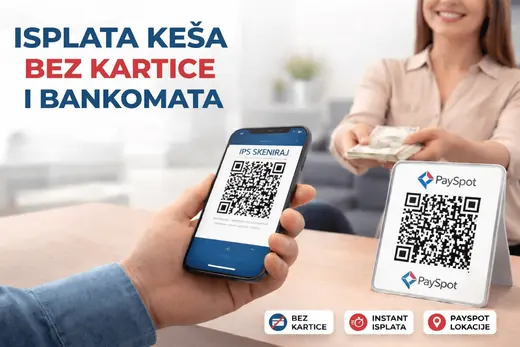
Withdraw cash at a PaySpot location near you with your mobile banking app and an IPS QR code. No card, no ATM, in under a minute.
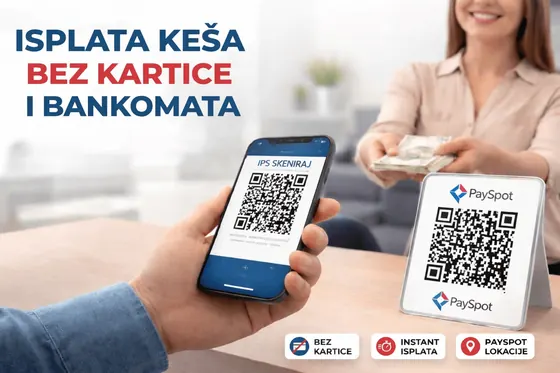
The service is based on the National Bank of Serbia’s IPS system and is fully digital. The whole process is executed through the NBS IPS system.
Tell the cashier how much cash you want to withdraw.
The cashier enters the basic details and generates an IPS QR code; scan it with your mobile banking app.
Confirm the instant payment in your app. Once the funds arrive, typically within seconds, the cashier pays out the cash.
Quoted exactly from the document or page named next to each figure.
Source: PaySpot Introduces IPS Cash Withdrawal Service Across Its Network, 09.04.2026
No. You only need your bank’s mobile banking app; no card, POS terminal or ATM is involved.
The fee is included in the payment instruction and shown in your mobile banking app when you confirm the transaction.
The current versions. Fees are set only by the fee schedule; earlier versions are in the document register.
Exchange offices, vehicle inspection centres, agencies, kiosks and shops across Serbia carry the PaySpot sign. The locator shows every location and filters it by service.